Language models can generate responses that sound correct even when they are wrong. In enterprise settings, this creates risk when users ask about internal data such as sales, operations, or compliance.
This happens because the model does not automatically know your current business data. If it cannot access the right information, it may generate an answer based on patterns instead of facts.
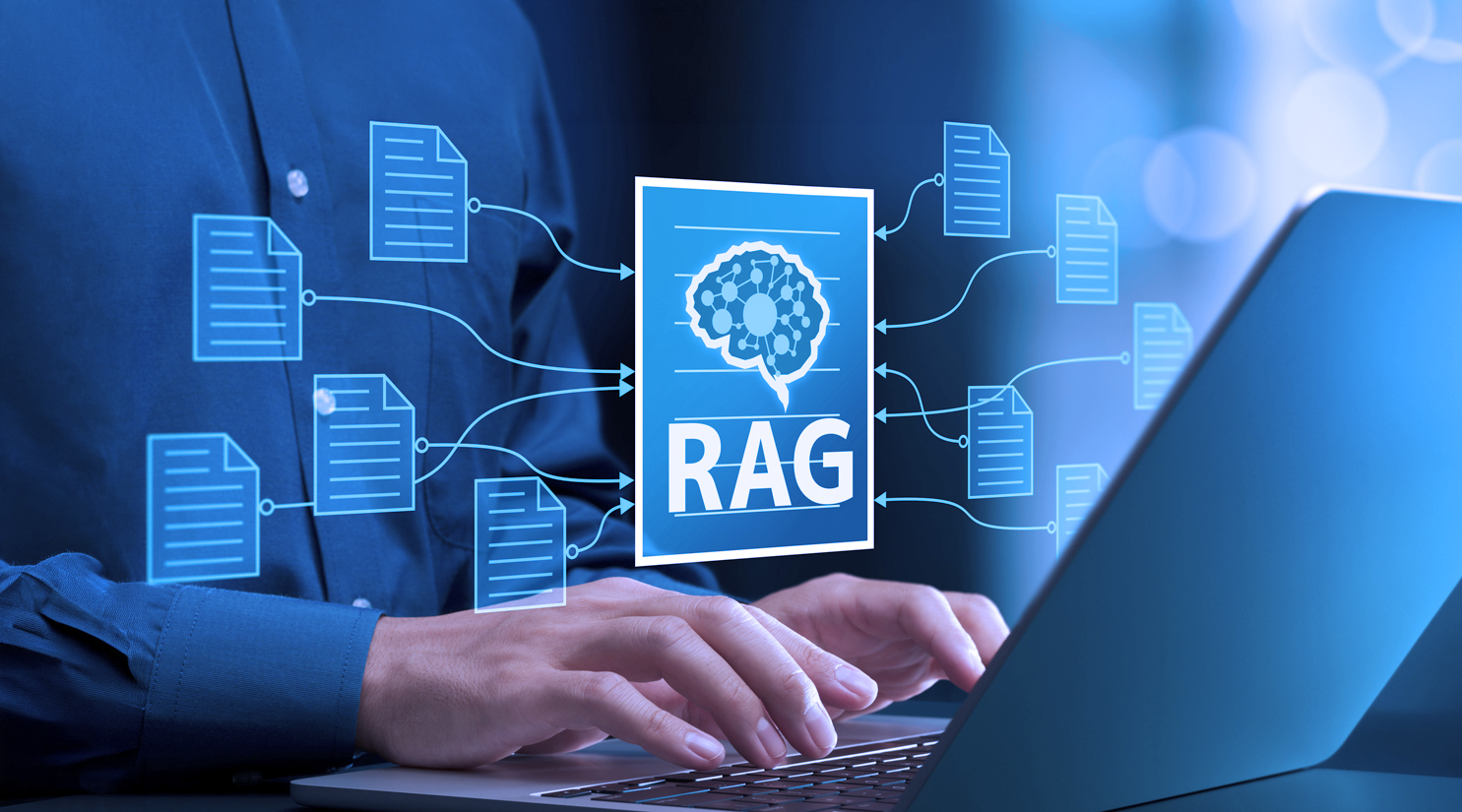
Retrieval Augmented Generation, or RAG, is designed to solve this problem. RAG allows the system to retrieve relevant data before generating a response, so answers are grounded in actual sources instead of guesswork.
In Azure-based enterprise environments, RAG is an important architectural choice. It affects how AI systems access data, enforce permissions, and support governance and auditability.
This article explains what RAG is, how it works in Azure, and what is required to implement it correctly in an enterprise setting.
RAG stands for Retrieval Augmented Generation. The name sounds like something a PhD committee invented to keep outsiders confused. The concept is actually straightforward.
Instead of relying entirely on what the model learned during training, RAG gives it access to a retrieval system, a way to look things up before generating a response. The model doesn't guess. It retrieves relevant information first, then generates an answer grounded in what it found.
Think of the difference between two consultants. The first one answers every question from memory, confident, articulate, and working entirely from what they already know. The second one pulls up the relevant documents before responding. Same question, very different relationship with the facts.
Language models, left to their own devices, are the first consultants. RAG turns them into the second one.
This is why RAG matters so much in an enterprise context. Your most valuable information isn't in any training dataset.
It's in your internal systems, your document repositories, your databases, your communication channels, accumulated over years and living across dozens of platforms.
RAG is how AI gets access to that information instead of approximating around it.
Understanding RAG at a high level is not enough. To implement it well, teams need to understand the sequence between a user question and a grounded answer.
RAG is a four-step process. Each step depends on the one before it working correctly.
A user asks a question about a document, process, metric, or internal record. At this point, the system has the query but has not generated an answer.
Before the model responds, the retrieval system searches the indexed data sources. It looks through documents, database records, knowledge base content, or other approved sources and returns the most relevant results.
The retrieved content is packaged as context and passed to the model with the original question. Instead of answering from general training data alone, the model now has source material tied to the request.
The model generates a response using the retrieved context. This makes the answer more accurate, more traceable, and less likely to produce unsupported output.
What makes this work well at scale is the retrieval layer, often supported by a vector database. Traditional keyword search looks for exact terms. Vector search looks for semantic similarity, which helps the system find the right content even when the wording in the question and the source does not match exactly.
Azure RAG does not act as a single feature you turn on. It is an architecture built from several Azure services, each handling a different part of the pipeline.
This is where the language model runs. In a RAG pipeline, it receives the retrieved context and generates the final response.
This service finds relevant content before the model responds. It supports vector search, semantic ranking, and hybrid search, which helps retrieve useful results even when enterprise content is inconsistent or poorly structured.
This is where unstructured content is stored before indexing. Documents, PDFs, presentations, and reports are kept here, then ingested, chunked, and prepared for retrieval.
Some enterprise answers depend on structured records, not documents. Financial data, customer records, and operational metrics can be retrieved from these systems when the query requires database-level accuracy.
This is where the Azure RAG workflow is built and managed. It connects the services, supports prompt design, configures retrieval, and helps test and deploy the pipeline.
This layer controls who can access what. If a user does not have permission to view a document directly, the Azure RAG system should not retrieve it for them. Azure Active Directory enforces that rule.
Content starts in Blob Storage, Data Lake, or databases. It is indexed in Azure AI Search. User requests are authenticated through Azure Active Directory. The retrieval layer returns permission-aware results. Azure AI Studio assembles the context, and Azure OpenAI generates the final grounded response.
Each service handles a specific function. Together, they form the Azure RAG architecture.
A RAG demo is easy to build. A small set of documents, a vector index, and a model call are often enough to produce a strong proof of concept.
Production is different. In an enterprise environment, the retrieval layer must enforce the same permissions that apply to the original data sources. If a user cannot access a document directly, the system should not retrieve it through AI.
Audit requirements are also stricter. The system needs to record what was retrieved, from which source, under which user identity, and when the action happened.
Data residency can add more constraints. Storage, indexing, and retrieval may need to stay within specific Azure regions, which affects architecture and deployment choices.
Legacy content is another challenge. Older documents and systems often need to be ingested, chunked, and indexed before they can be used in a RAG pipeline.
This is the difference between a demo and an enterprise implementation. A demo shows that the model can answer. A production system must answer within security, governance, and infrastructure requirements.
This is the gap that enterprise AI architecture exists to close. The demo works because it sidesteps every one of these requirements. Production works because the architecture was designed to handle them from the start, not retrofitted after a security review found them.
A proof of concept can work well with a small, clean document set and simple access rules. Production is different. Enterprise environments introduce scale, inconsistent content, permissions, compliance, and operational requirements.
A pipeline may work well with a small set of documents. With large enterprise content libraries, retrieval becomes noisier. Chunking, indexing, and retrieval tuning determine whether results stay relevant.
Role-based access is simpler to manage. User-level permissions are harder because retrieval must respect each person’s actual access rights. If this is handled incorrectly, the system can expose restricted information.
RAG reduces hallucinations, but it does not remove them. The model can still misread retrieved content or generate claims that go beyond the source material.
Enterprise content changes often. If the index is not updated regularly, the system will return outdated information that still appears credible.
RAG adds retrieval and context assembly before generation. Each step adds time. In enterprise AI systems, this can become a real user experience issue if the architecture is not designed for performance.
Getting Azure RAG into production depends on the architecture choices made early. The most important decisions affect retrieval quality, permissions, monitoring, and how tightly the pipeline components depend on each other.
Use Azure Active Directory to scope retrieval to what each user is allowed to access. This should happen during retrieval, not after the response is generated.
Retrieval quality depends heavily on how the content is split and indexed. Different content types may need different chunking methods, so this should be defined before scaling the system.
Retrieval quality can decline as content changes and usage patterns shift. Monitoring and evaluation should be part of the initial design, not added later.
Hybrid retrieval combines keyword search and semantic search. This usually performs better for enterprise content with mixed formats and inconsistent wording.
The retrieval layer and generation layer should be able to change independently. This makes it easier to update models or improve retrieval without rebuilding the full system.
This is where purpose-built platforms like AI Fabrix change the calculus.
Rather than assembling and maintaining permission-aware retrieval, governance controls, and identity-scoped access across separate Azure services, a purpose-built enterprise platform handles these capabilities at the infrastructure level, so teams can focus on building the application rather than maintaining the architecture underneath it.
RAG isn't a feature you add to make your AI more accurate. It's the architectural bridge that connects what language models are capable of to the actual knowledge that lives inside your organization. Without it, enterprise AI is answering from training data. With it, enterprise AI is answering for you.
Getting it right on Azure requires more than connecting a few services and calling it a pipeline. It requires treating retrieval as an enterprise architecture problem, with permissions, governance, auditability, and scale designed into every layer from the start, not bolted on after the first security review finds them missing.
The difference between a RAG demo and a RAG deployment that actually works in production isn't the model. It's everything underneath it.
Wondering what that looks like when it's been built intentionally, permission-aware retrieval, identity-scoped access, and governance that doesn't require a team to maintain it manually across a dozen services? See how AI Fabrix approaches it.
RAG combines retrieval (Azure AI Search, data sources) with generation (Azure OpenAI) to produce answers grounded in your own data.
It lets AI access internal, up-to-date data, making responses more accurate and relevant.
Fine-tuning changes the model itself; RAG keeps the model the same but pulls in data at query time.
It uses Azure AD to ensure users only see data they’re allowed to access.
Retrieval quality, access control, keeping data updated, latency, and reducing hallucinations.